Welcome to Atherosclerotic Plaque G&R in AceFEM’s documentation!
Introduction
Overall of the atherosclerotic plaque G&R project.
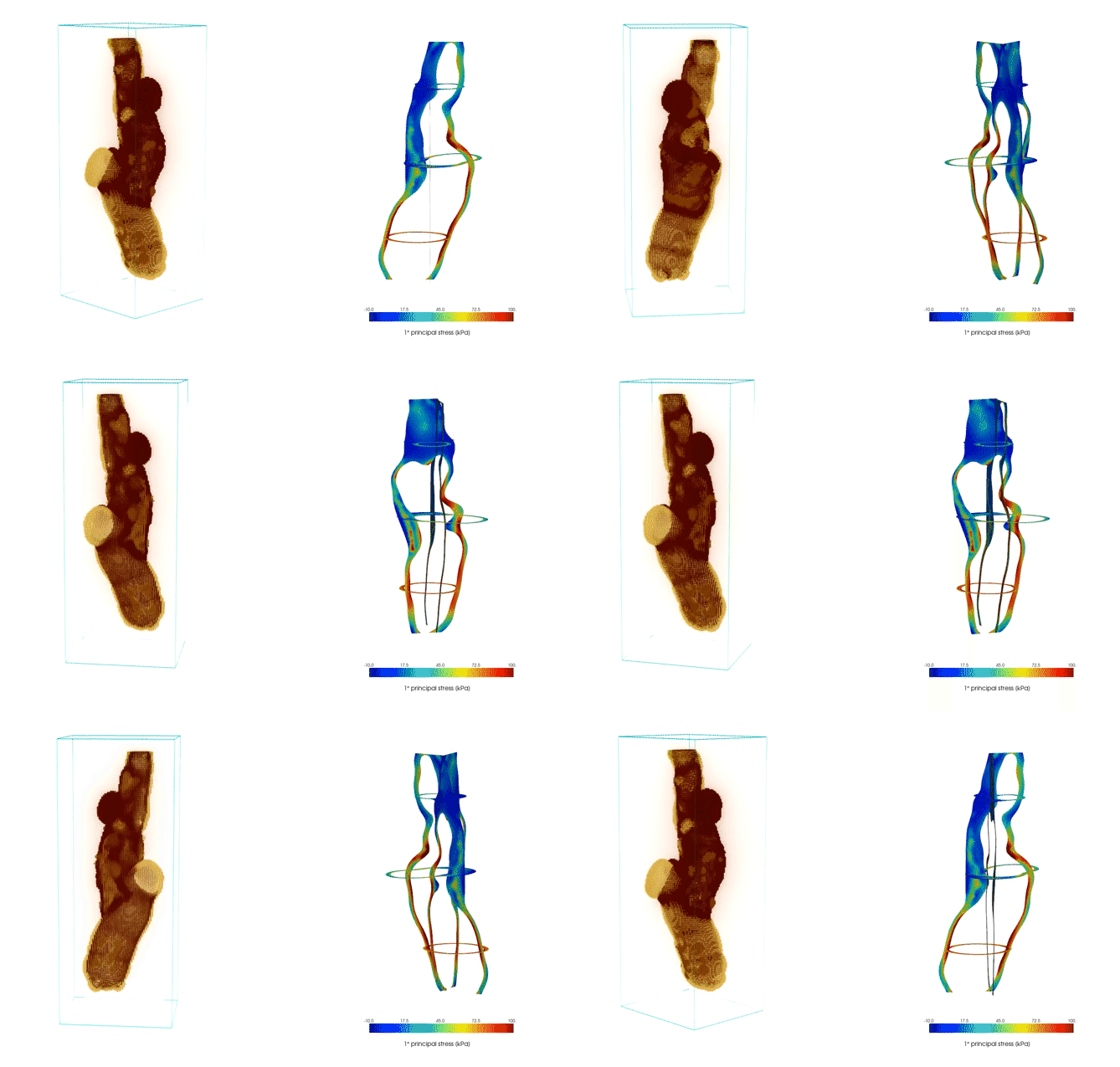
Project Structure
Warning
To access the project directories and files you need the VPN credentials. The project is hosted on a private server.
To clone the repository, use the following command:
git clone <gituser>@192.168.1.100:/home/alessandro/Drive/GitRepos/acePlaque-tesi.git
Note
The project is based on both Python and AceFEM/AceGEN tools.
The main operative sub-packages are:
AceFEM/AceGEN tools:
growth.nb - Main FEM script
Mathematica auxiliary functions - Auxiliary functions for AceFEM
O2P1YG - Solid wall elements (3D tetrahedra)
BoundaryPressureP2 - Vessel lumen elements (3D triangles)
Python packages:
Structural mesh generator - Core meshing tools to convert patiens information into FEM suitable meshes
Auxiliary modules - General utility modules
Patient-specific information module - Patient data processing modules
Mesh importer - Comsol to AceFEM mesh conversion tools
Directories and files:
The proejct structure is as follows:
project/
│
├── T00_Common/                # Contains general documentation and common scripts
│    │
│    ├── py/
│    │    ├── myPatientsModulesV2/     # Contains modules related to patient data processing
│    │    │   ├── patientMain.py       # Main script for patient data handling
│    │    │   └── nrrdAux.py           # Auxiliary functions for NRRD file processing
│    │    │
│    │    ├── mesh-importer_v2/        # Contains mesh conversion tools
│    │    │   └── meshConversion.py    # Main script for mesh conversion
│    │    │
│    │    ├── myModulesV2/             # General utility modules
│    │    │   ├── postResults.py       # Functions to post-process results
│    │    │   └── importMeshFromTXT.py # Functions to import meshes from TXT files
│    │    │
│    │    └── myAceplaque/             # Contains core meshing tools
│    │        └── mesher.py            # Main meshing script
│    ├── Elements/
│    │   ├── Elements.nb
│    │   ├── BoundaryPressureP2
│    │   └── O2P1YG
│    │
│    ├── auxFncs/
│    │   ├── myExpRoutines.m
│    │   ├── myFileName.m
│    │   ├── myLoading.m
│    │   ├── myPostAuxialiars.m
│    │   └── Kernel/
│    │
│    ├── createMPHmesh.m
│    └── generate-interpolation-materials.wls
│
├── T01_Patient0/              # Contains patient-specific data
│     ├── mesh/               # Patient-specific data
│     │   ├── ...
│     │
│     └── growth.nb/
│
└── TXY_PatientABC
Installation
Install Anaconda and create an enviroment with all dependencies list in conda environment.
conda env create -f environment.yml
Usage
The package allows for three main operations:
Convert mesh into AceFEM suitable FEM meshes
Run hyperelastic FEM simulations including G&R based on the homogenous stress hypothesis
Export and post-process the results in a user-friendly and very efficient manner
The following sections describe the main steps to perform each of the operations.
Convert mesh
See Structural mesh generator for details.
Using the myAceplaque.py package, it is possible to convert (headless) the patient meshes (wall, lipid, fibrotic, calcification) into the format required by the FEM model, including the materials description.
The script automatically exports all the files in the assigned file_dir/mesh/ folder, where file_dir is a user-specified folder.
import myAceplaque.mesher as plq
# paths = ...
myMesh = plq.myMesh(paths)
myMesh.assign_material_map(spacing=0.0001)
myMesh.write_material_map()
myMesh.create_volumetric_wall_mesh(block_height_multiplier=0.8,
            hmax='5E-4',
            hmin='3.5E-4')
In the end, the algorithm allows to write:
mesh.h5, containing all the mesh information
interpMatx.m, representing the MATX type of material
interpFibr.m, representing the FIBR type of material
interpCalc.m, representing the CALC type of material
interpLrnc.m, representing the LRNC type of material
surfaces.json, containing the association between the integer tag of each surface and its structural type (used to assign boundary conditions):
internal, the lumen
external
top and bottom
Run simulation
Post-processing
AceFEM
Python auxiliary modules